Newsletter Sunday Recap 12/07/25


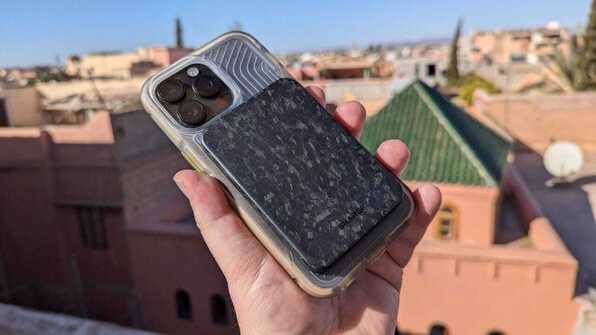
Does charging your iPhone the 'Apple way' work?


Is there a correct way to charge your iPhone? And what happens when you do? CONTINUE...


Need to Upgrade to iOS 26? Check and See if Your iPhone Is Supported


If your iPhone is too old, you may not be able to upgrade to iOS 26. CONTINUE...


TECH GEAR: iPhone Wireless Charging Stand


Keeps You Charged Up... While You Use Your iPhone! Fast & Easy: Simply place your iPhone on the stand and it Quickly Charges your iPhone. Functional Style: Sleek Compact Design ideal for any Home or Workspace. Ergonomic: Designed with the perfect 60° viewing angle for comfortable and convenient extended viewing. Wireless: No more tangled and lost charging cables. Say goodbye to CONTINUE...


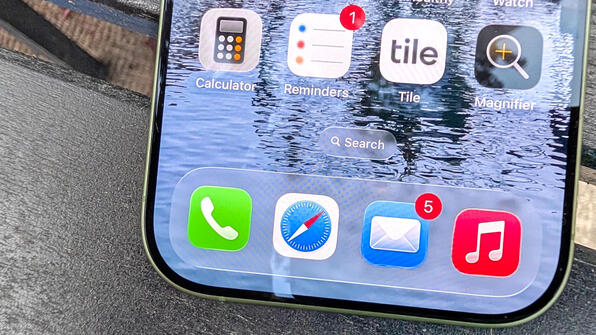
How to use the Urgent feature in iOS 26 Reminders


Among the changes in iOS 26.2 is an update to the Reminders app that lets you mark to-dos as urgent. That way, you'll be sure never to miss a reminder again. CONTINUE...


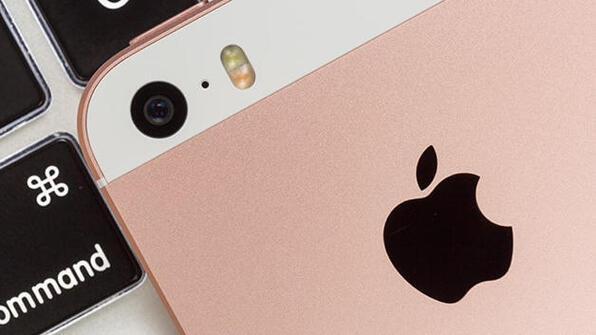
Another iPhone Joins Apple's Obsolete List


The iPhone SE is no longer eligible for battery replacements or other repairs from Apple's partners. CONTINUE...


The 5 most frustrating things about iOS 26 – and how to fix them


I don’t like everything about iOS 26, but I managed to fix its worst annoyances – here’s how. CONTINUE...


How to Optimize iPhone Battery Settings on iOS 26


Discover how to optimize iPhone battery settings on iOS 26 to extend battery life, improve performance, and support sustainable energy use. CONTINUE...


TECH GEAR: Deluxe Power Bank - Battery Backup Charger


YOUR ULTIMATE RECHARGEABLE POWER SORCE! Power for a Week: Carry around enough power to recharge your iPhone for a week under typical usage. Now you can easily CONTINUE...


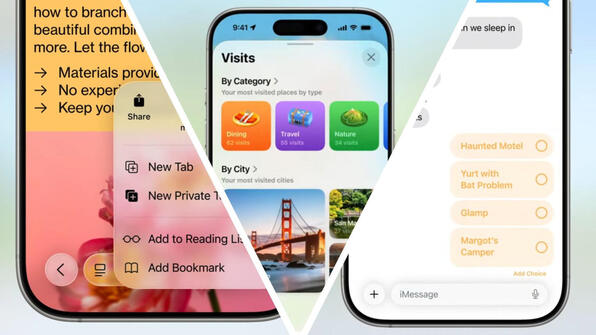
iOS 26.2 will add three new ways to customize your iPhone


iOS 26.2 is launching to all users very soon, and it will introduce several new ways to customize the way your iPhone looks and works. CONTINUE...


15 New Things Your iPhone Can Do in iOS 26.2


Apple is about to release iOS 26.2, the second major point update for iPhones since iOS 26 was rolled out in September, and there are at least 15 notable changes and improvements worth checking out. We've rounded them up below. Apple is expected to CONTINUE...


How to make Apple Watch tick like a quartz watch


We mentioned last week that in iOS 26.1, Apple changed how the Clock app icon’s seconds hand moves...CONTINUE...


Your iPhone 17 Pro Is Missing a 5-Year-Old Camera Feature


You can't activate low-light photography features within the iPhone 17 Pro and 17 Pro Max's Portrait mode. CONTINUE...


TECH GEAR: Rearview Mirror Phone Mount


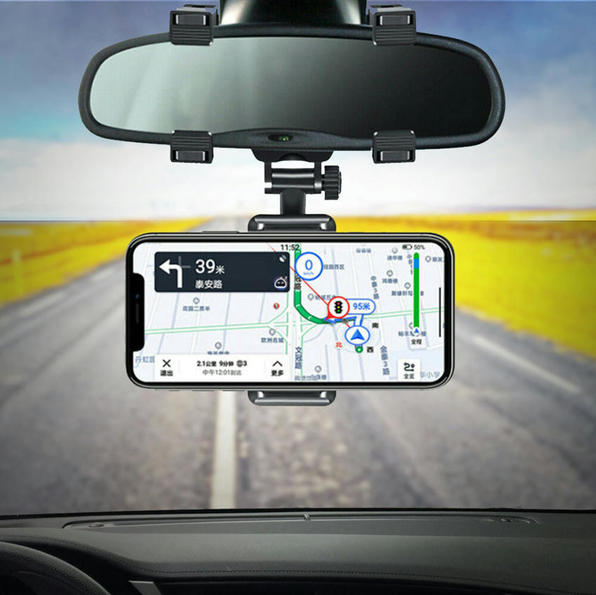
REARVIEW MOUNT: Mounts your phone right on your rearview mirror, so you don't have to look down while using navigation.  PERFECT ANGLE: The 240° swivel allows you to rotate your phone to the perfect viewing angle. Reduce distractions by positioning your iPhone for minimal eye movement. Keeps your eyes on the road... CONTINUE...


Three iPhone 17 Pro features that continue to surprise me every day


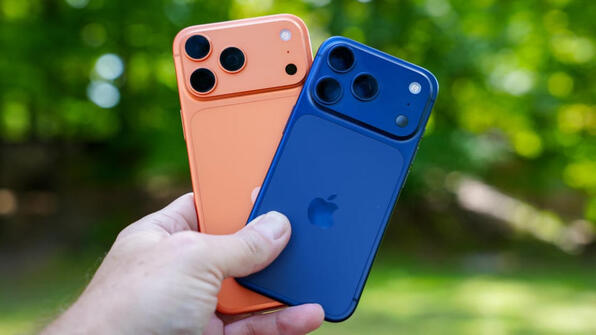
From the cameras to improved cooling, these updates make the iPhone 17 Pro stand out. CONTINUE...


iPhone 17 Tips and iPhone Air Tricks Using iOS 19's…


iPhone 17 tips and iPhone Air tricks that maximize iOS 19 features, boost battery life, enhance camera quality, and unlock hidden tools for smarter everyday performance. CONTINUE...